
 12 Mins Read
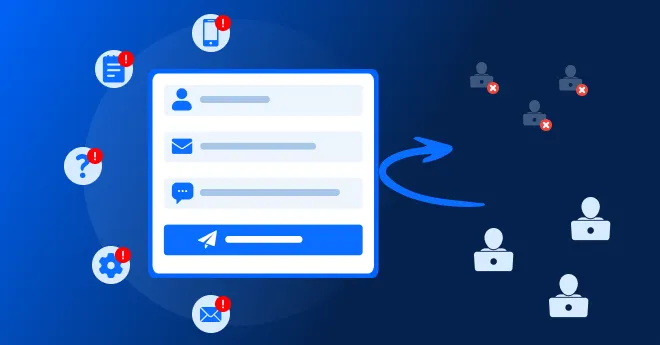
7 Reasons Your Contact Form Is Losing Leads and How to Fix Them
Quick summary Contact forms convert views into submissions at only around 9%, one of the lowest rates of any form...

In this guide, we’ll look at why static forms lose potential B2B leads, where the friction actually comes from, what lead capture without web forms looks like, when forms still make sense, and how AI-powered conversations can capture and qualify leads without making visitors feel like they’re filling out paperwork.
A visitor lands on your website. They read about your service. They check a case study. Maybe they even visit your pricing page. They are interested.
Then they see:
Name
Work Email
Phone Number
Company
Company Size
Message
SubmitAnd suddenly, the conversation is over.
This is the problem with traditional web forms in B2B: they ask visitors to give you information before you have given them a reason to start a conversation.
And more importantly, we’ll look at the problem from the visitor’s side because that is where conversion problems usually begin.
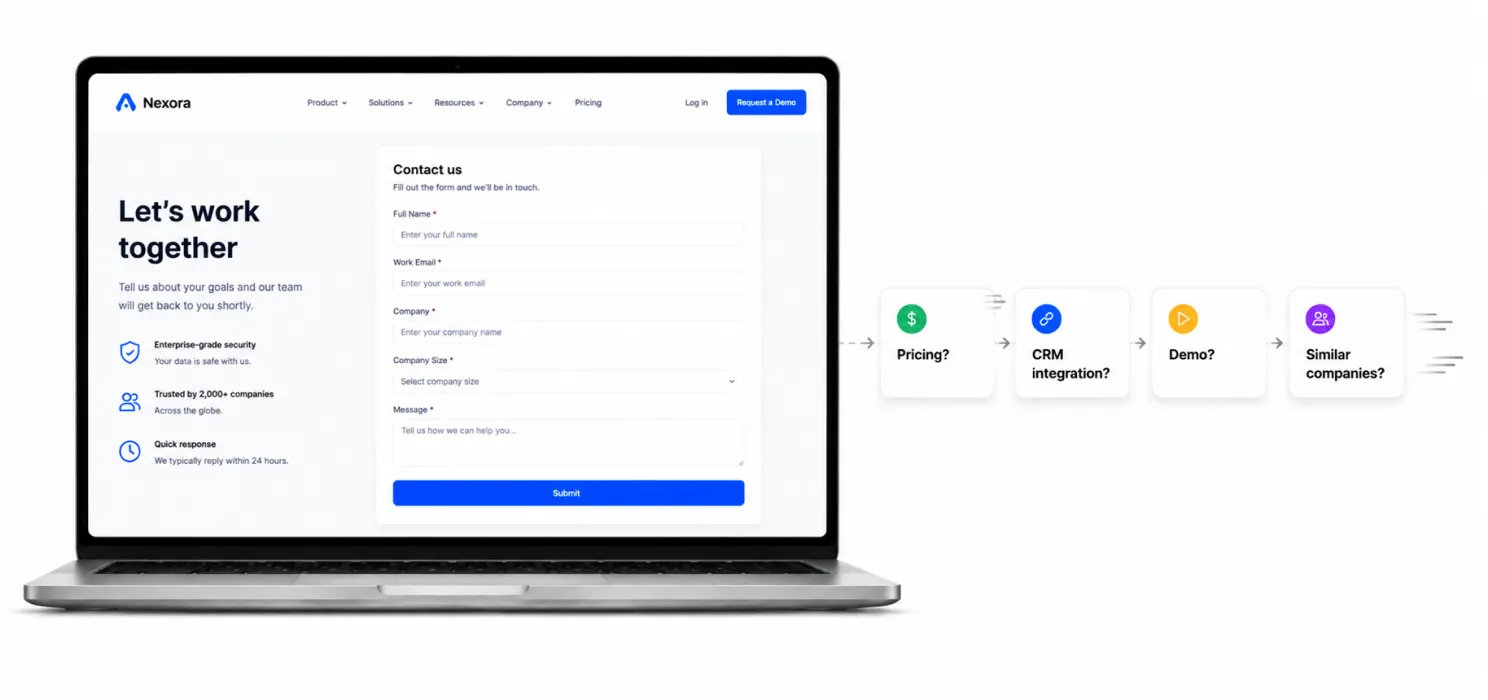
A beautifully designed form can still lose leads.
You can improve the UI, reduce fields, add clear CTAs, and make it mobile-friendly, but the basic interaction remains the same:
“Want to talk to us? First, give us your information.”
But many B2B buyers aren’t ready for that. They’re still asking questions:
A static form can’t answer these questions. It simply waits for visitors to decide they’re ready to submit their details, and that’s a big assumption.
A visitor can be genuinely interested and still abandon your form.
Browsing → Interested → Form →? → Submit
Starting a form doesn’t mean someone will finish it. Often, the problem lies in a specific question or field.
For example, if visitors consistently leave when asked for their phone number, the issue may not be your headline or CTA, it may simply be the question you’re asking.
Understanding where visitors drop off can reveal what is creating friction.

A good salesperson doesn’t start with a list of questions. They listen, understand the situation, and ask relevant questions naturally.
Your website can do the same.
Traditional form: Visitor → Form → Questions → Submit → Sales
Conversational lead capture: Visitor → Question → Answer → Relevant Question → Qualification → Sales
The difference is simple: the visitor isn’t filling out paperwork—they’re having a conversation.

This is probably the most obvious problem.
Consider a typical B2B demo form:
From your company’s perspective, every field has a purpose. You want to qualify the lead. You want the sales representative to have context. You want the CRM to be complete. Fair enough.
But from the visitor’s perspective? That’s a lot of work. And the visitor hasn’t received anything in return yet.
The important question isn’t: “What information do we want?”
It’s: “What information does the visitor need to provide right now?”
Those are not the same thing.

A person doesn’t naturally think: “I am a 51–200 employee company operating in SaaS with a $20,000 budget.”
They think: “We’re growing quickly and our current system isn’t keeping up.”
That second answer contains much more context.
But a static form usually forces the visitor to translate their situation into predefined fields.
For example: What is your company size?
You’ve captured a number.
You haven’t captured the reason behind the visit.
A conversational system can ask: “What are you hoping to improve?”
The answer might tell your sales team more than five form fields ever could.

Imagine someone is interested in your product but isn’t sure what they need.
They don’t know whether they want:
So they see: “Contact Sales.”
And hesitate. Because they don’t necessarily want to “contact sales.” They want an answer. That distinction is incredibly important.
People don’t always want to submit a lead. They want to solve a problem.
Lead capture should happen naturally as part of solving that problem.

Imagine two visitors.
Visitor A “How does your Salesforce integration work?”
Visitor B “We need to replace our current solution next month. Can we book a demo?”
Both might eventually become leads. But their intent is completely different. A static form usually gives both people the exact same experience.
Same fields.
Same questions.
Same CTA.
Same thank-you page.
That’s inefficient.
A conversational system can react differently.
Visitor A might receive information about the CRM integration and then be asked whether they’d like to speak with someone.
Visitor B might immediately be offered a meeting.
The experience changes according to intent.
That’s much closer to how an actual sales conversation works.

Forms that feel manageable on a desktop can become irritating on a phone.
Typing a long message on a mobile keyboard isn’t particularly enjoyable.
Neither is selecting company size, entering a phone number, correcting an email field, and navigating multiple required fields.
And this matters because B2B buyers don’t only research during office hours on desktop computers.
They might discover your company:
The less effort required to start a useful interaction, the better.

Think about the language itself.
Submit.
It sounds like you’re sending paperwork.
Compare that with:
Talk to an expert
Get answers
See how it works
Find the right solution
Book a conversation
The second group communicates what happens next.
That’s important because visitors are constantly asking themselves: “What will happen if I click this?”
The clearer the answer, the easier the decision becomes.

This is where many B2B websites get stuck.
They run experiments like:
These changes can help.
But they are still improvements inside the same model.
You’re asking: “How do we make the form less annoying?”
A more interesting question is: “Do we need the form at this stage at all?”

It doesn’t mean abandoning lead capture.
It means changing how the information is collected.
Instead of presenting visitors with a block of fields, you let the interaction happen naturally.
For example:
Visitor:
“Do you integrate with Salesforce?”
AI: “Yes. We can connect with Salesforce and send qualified leads directly into your CRM. Are you already using Salesforce, or are you evaluating it for a new setup?”
Visitor:
“We already use it.”
AI:
“Got it. What are you mainly looking to improve — lead capture, qualification, or follow-up?”
Now you’re learning something valuable.
And the visitor hasn’t filled out a single form.

This is probably the most important difference.
A form might give your sales team:
John Smith
[email protected]
51–200 employees
A conversation can give them:
John Smith
Works at a 100-person SaaS company
Currently uses another chatbot
Wants better lead qualification
Evaluating alternatives this quarter
Interested in Salesforce integration
Wants a demo next week
Which lead would you rather receive?
The second one.
Because it tells your sales team why the person is interested, not just who they are.

There is a simple reason conversations can feel easier than forms.
A form presents multiple decisions at once.
A conversation presents one decision at a time.
Instead of:
Name?
Email?
Phone?
Company?
Budget?
Message?
The visitor experiences:
“What are you looking for?”
Then: “Which part of the problem are you dealing with?”
Then: “Would you like to see how we handle that?”
Then: “What’s the best email to send the details to?”
That’s a much smaller psychological commitment.
The visitor isn’t thinking: “I’m filling out a lead form.”
They’re thinking: “I’m getting help.”
And that’s exactly where good lead capture should live.

This is where AI-powered lead capture becomes particularly useful for B2B companies.
You don’t just want more leads.
You want better leads.
A form can ask: “What is your budget?”
But that’s not necessarily enough to understand buying intent.
An AI conversation can understand context across several answers.
For example: “We’re currently doing this manually, the sales team is growing, and we’re looking for something we can implement this quarter.”
That tells you:
Those are useful qualification signals.

Putting a generic chatbot on your website isn’t automatically better than a form.
A chatbot that says: “Hi! How can I help you?” and then gives irrelevant answers isn’t solving the underlying problem.
The goal isn’t simply to replace a rectangle with a chat bubble.
The goal is to create a better conversion journey.
That means the system should be able to:
That’s a much bigger job than “adding a chatbot.”

This is where a platform like Corvexa takes a different approach.
Instead of treating the chatbot as a support widget sitting beside your website, Corvexa is designed around the entire journey from visitor → conversation → qualification → lead → sales follow-up.
It can learn from your website content, FAQs, pricing and other business information. You can also add private knowledge and documents to its knowledge base.
Then you define what a good lead looks like including industries, company sizes, pain points, qualification signals and hot keywords.

Someone has just spent five minutes explaining their problem to your chatbot.
They’ve said: “Yes, I’d like to speak to someone.”
And then the website says: Please complete the following form.
That’s a terrible handoff.
A better experience is to move directly to the next step.
For example: “Would you like to book a 30-minute conversation with our team?”
And provide the booking option.

Before replacing your entire lead capture system, try this. Take your current form and write down every field.
Then create three columns:
| Field | Why do we need it? | Can we ask later? |
|---|---|---|
| Name | Identify visitor | No |
| Follow-up | No | |
| Phone | Sales contact | Often |
| Company | Qualification | Often |
| Company size | Lead scoring | Often |
| Budget | Qualification | Often |
| Message | Understand need | Maybe |
You may discover that half the fields aren’t actually necessary at the first interaction.
That’s your opportunity.

“What are you looking to improve?”
“Are you currently using another solution?”
“Are you researching options or looking to make a change soon?”
The AI provides useful information based on your actual business knowledge.
“How large is your team?”
“I can connect you with the team. What’s the best email to reach you?”
“Would you like to book a quick call?”
Notice what changed.
The email address isn’t the opening question.
It’s the natural next step after value has already been provided.

It’s less friction.
Forms will continue to have their place.
But the old assumption that every interested visitor should be pushed into the same contact form is becoming harder to justify.
B2B buyers want answers. They want to understand the product. They want to compare options. They want to know whether you’re relevant to their situation. And they don’t necessarily want to announce: “I am now a lead.” before they’re ready.
A good AI lead capture experience lets them explore first.
Then it recognizes when the conversation has become commercially meaningful.
That’s the moment to capture the lead.
Not five questions earlier.
Static forms aren’t necessarily the enemy. Static thinking is.
If your website makes visitors fill out a form before they can get help, you’re asking for commitment before creating enough value.
A better B2B journey is:
Understand → Engage → Qualify → Capture → Connect
And when the visitor is ready, the lead should move directly to the next step — not into another form.
Because the best lead capture experience doesn’t feel like lead capture at all.
It feels like someone finally understood what the buyer came to your website to do

 Why Static Web Forms Are Killing Your B2B Conversion Rates
Quick summary Contact forms convert views into submissions at only around 9%, one of the lowest rates of any form...

Quick summary: People who need a lawyer often search late at night and contact the first firm that answers. This...
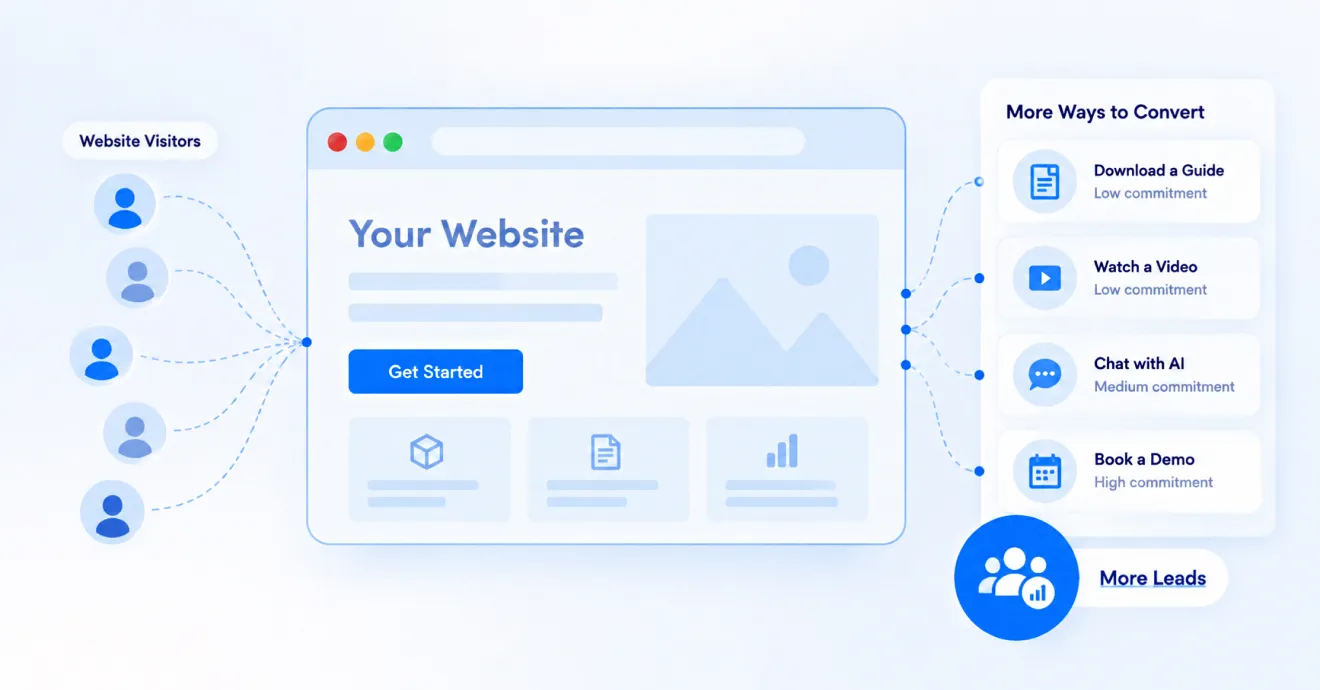
You don’t need a bigger ad budget to get more leads. You need your website to do a better job...